In this step, you’ll configure your basic account settings to ensure accurate scheduling, smooth client access, and reliable system performance.
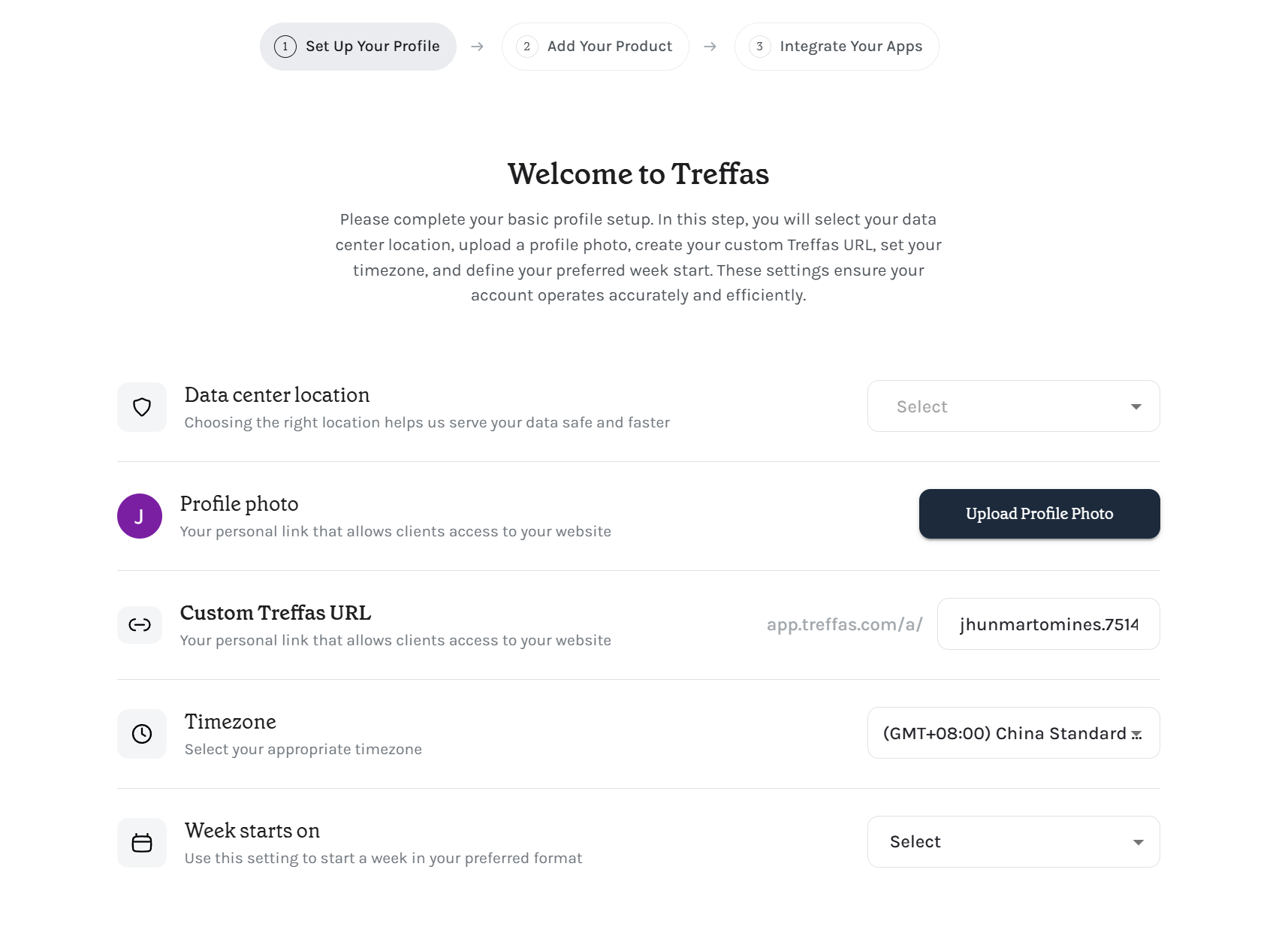
What you’ll set up:
-
Data Center Location
Choose the closest region to ensure your data is stored securely and loads faster. -
Profile Photo
Upload a photo or logo so clients can easily recognize you on your booking page. -
Custom Treffas URL
Create your personal booking link (e.g.app.treffas.com/yourname) to share with clients. -
Timezone
Ensures all bookings, reminders, and calendar events are shown correctly. -
Week Starts On
Choose when your calendar week begins for consistent scheduling views.
Why this matters:
These settings ensure your bookings, availability, and client interactions run accurately from day one.